


Quick Answer
Descript is a revolutionary tool that changes how we edit audio and video. In this quick Descript AI Review, the standout feature is its ability to let you edit videos simply by editing the auto-generated text transcript. With a Freemium pricing model (premium starting at $12/mo), it is a must-have for podcasters and YouTubers.
Personal Sandbox Opinion
Editing long videos for the YouTube channel and managing media for AivoraPulse usually means spending hours cutting out silences, “umms,” and “ahhs” on a complex timeline. While conducting this Descript AI Review, I completely shifted my workflow. Instead of cutting video clips, I just deleted the unwanted words from the text transcript, and the video automatically cut itself perfectly. Plus, the voice cloning feature allows you to fix audio mistakes without ever re-recording.
Video editing has traditionally required a steep learning curve and expensive, heavy software. But Descript has completely flipped the script. It consolidates multiple production stages into one single, user-friendly interface.
Whether you are a beginner making your first YouTube video or a seasoned podcaster, here is the complete breakdown and tutorial of how this tool works.
Key Features: What Makes Descript Different?
Based on its verified features, Descript is packed with AI-driven capabilities that lower the barrier to entry for creators:
-
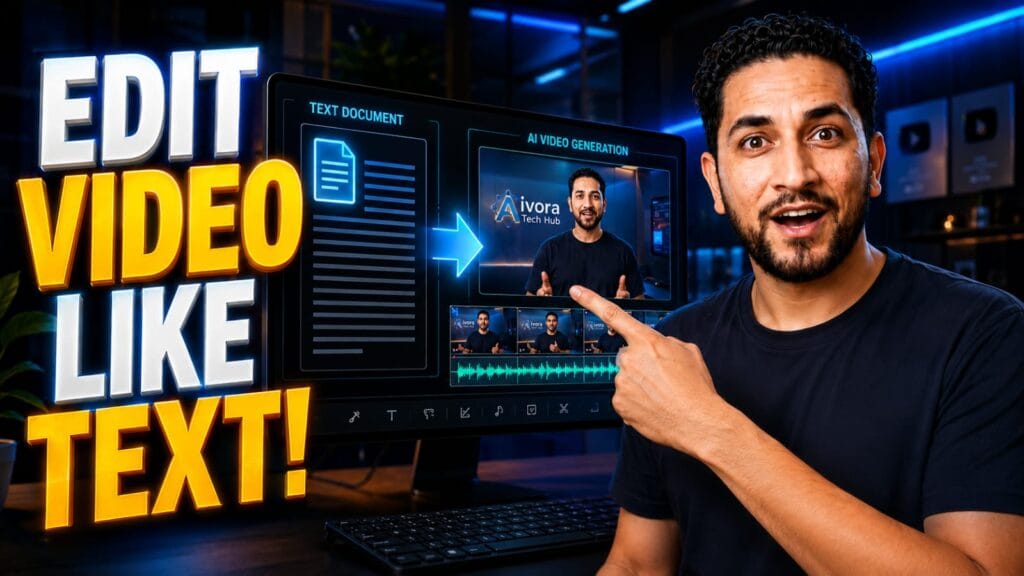
Text-Based Video Editing: This is the magic feature. It simplifies video editing, making it as easy as editing text in a standard document.
-
Industry-Leading Transcription: It boasts incredible speed and accuracy, instantly turning your uploaded video or audio into a text script.
-
AI Voices (Voice Cloning): Made a mistake while speaking? Just type the correct word, and Descript will use an AI clone of your voice to seamlessly replace the audio. It also features a selection of stock AI voices.
-
Remote & Screen Recording: It provides instant capture for screen/webcam recordings and enables high-quality podcast recording with remote guests, regardless of their location.
Mini-Tutorial: How to Edit a Video in 3 Steps
The best part of this Descript AI Review is demonstrating how incredibly simple the workflow actually is. Here is a quick tutorial:
-
Step 1: Upload & Transcribe Drag and drop your raw video file into the Descript workspace. The AI will immediately analyze the audio and generate a highly accurate text transcript on the left side of your screen.
-
Step 2: Edit the Text, Edit the Video Read through the transcript. If you see a sentence you want to cut from the video, simply highlight the text and press “Delete” on your keyboard. The video clip on the timeline will automatically be cut and stitched together!
-
Step 3: Export & Share Once your document looks perfect, hit the export button. You can export it as an MP4, an audio file, or even directly upload it to supported platforms.
Looking for Free Tools? If you are a creator on a tight budget, make sure to check out our complete guide on the Paid vs Free AI Tools 2026: The Top 5 Alternatives for more amazing software swaps!
Pros & Pricing Summary
-
Pricing: Freemium Model (Free tier available, with premium plans starting at $12/month).
-
Pros:
-
Consolidates multiple tools into one streamlined workflow.
-
Intuitive user-friendly interface for all skill levels.
-
Facilitates amazing team collaboration with shared projects.
-
-
Try it out: You can create a free account and start editing right now on the official Descript Website.
Frequently Asked Questions (FAQ)
Q1: Is Descript good for podcasting? Ans: Yes! It offers multitrack audio editing that is as straightforward as working on a word processor, making it arguably the best tool for podcast production on the market.
Q2: Can I record directly into the app? Ans: Absolutely. Descript has built-in remote recording and screen recording, allowing you to instantly capture, edit, and share your screen or webcam directly within the platform.
Q3: Does the text-based editing actually work? Ans: To summarize this Descript AI Review, yes, the text-based editing is highly accurate. When you delete a word from the transcript, the AI perfectly splices the video without leaving awkward visual jumps.